3 Sided Flashcard Program
Background Information
Context
I enrolled to AP Chemistry for the 2020-2021 academic year. We are expected to have
a baseline of knowledge. To enfore this the professor provided us with material to
study over the summer and he would give a quiz on said material.
When looking over what had to be studied I came to the realzations that there are
three different aspects to what needed to be known. Since the way the quiz would be
structured was unknown, we didn't know what exactly would be asked and in what way.
Usually I would use Quizlet, but that was restricted to two sided flashcards. I needed
a third side.
To solve this problem I used my skills with Unity to create something that is the
equivalent of three sided flashcards. Down the line I also made a section for solubility
guidelines and had a toggleable image for the periodic table.
Nearby you'll see a pdf with all the content that we needed to study over the Summer.
I moved all of this content into the Unity project diving everything up on all
3 sides of the "flashcards".
Study Material
Relevant Keys
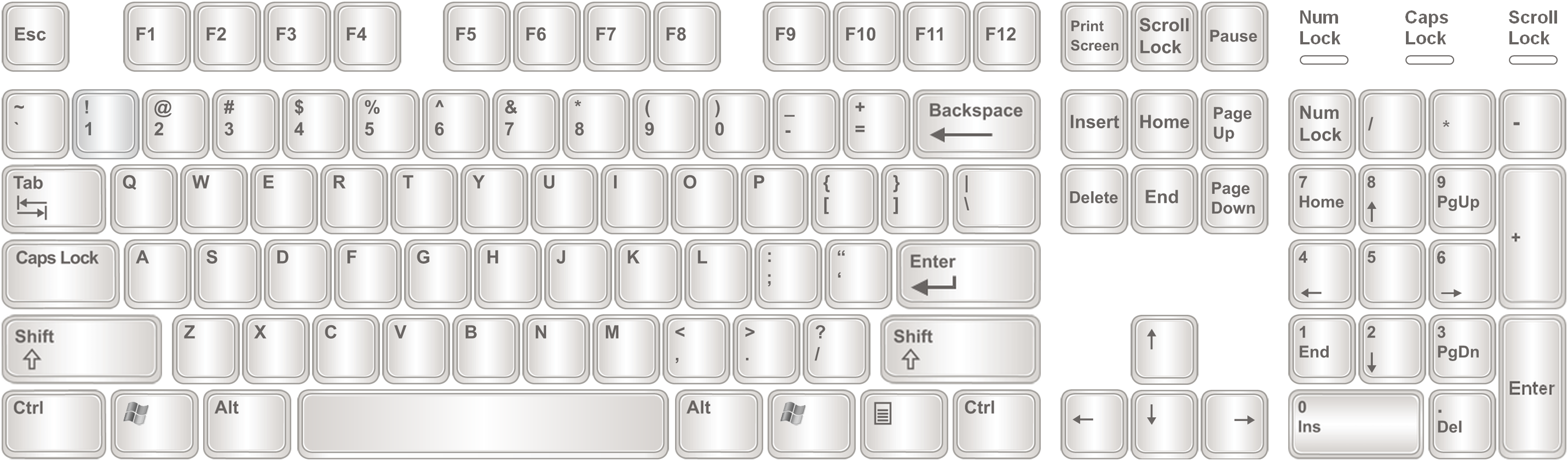
1 key
Makes default side of the flashcard the first side. Takes affect when switching cards.
2 key
Makes default side of the flashcard the second side. Takes affect when switching cards.
3 key
Makes default side of the flashcard the third side. Takes affect when switching cards.
z key
Changes Study material to Elements
x key
Changes Study material to Monoatomic Cations
c key
Changes Study material to Monoatomic Anions
v key
Changes Study material to Variable Charges
b key
Changes Study material to Polyatomic Ions
n key
Changes Study material to Strong Acids
m key
Changes Study material to Solubility Guildlines
q key
Toggles the Periodic Table visibility
r key
Randomizes the elements in the current section within the range of the sliders on the top right of the screen.
e key
Resets all randomization and returns everything to what it was originally
w or up arrow key
Flip the flashcard upward
s or down arrow key
Flip the flashcard downward
a or left arrow key
Change to the next flashcard
d or right arrow key
Change to the previous flashcard
Alt + Enter keys
Fullscreen the applications (only works if downloaded)